 Hyperliquid crypto
 perpetual exits use reduce-only orders, fill records and position checks
Hyperliquid crypto trade verification starts with the fill record, not the submitted order. Match the order identifier, executed size, fill price and fee to the intended perpetual position. Then read the current signed position size and place an opposite-side reduce-only order for no more than the amount still open. Confirm closure only after the position size reaches zero and no exit remainder remains.
That sequence separates acceptance, execution and account settlement. Using reduce-only prevents the exit order from opening an opposite position if other executions flatten the account before its full quantity fills.
The fill record is the first proof of execution
An accepted order records an instruction, while a fill records the quantity actually traded. One crossing order may match several resting orders, so the same order identifier can appear in several fill entries. Add the executed sizes before comparing their sum with the requested exit size and the position shown before execution.
Order status supplies a second check. An open status means the instruction remains live, while filled means the order completed its requested quantity. Canceled and rejected states need their specific reason because a canceled order may already have partial fills. An order missing from the open-order view is not automatically filled; its historical status and associated fills resolve the outcome.
Remaining position size sets the exit boundary
Signed position size defines both the exit direction and the maximum reducible quantity. A positive signed size represents a long position, so its exit uses a sell. A negative signed size represents a short position, so its exit uses a buy. The market, side and account must all match the position being closed.
A reduce-only order can decrease an existing position, but it cannot open a new position in the opposite direction. If the side is wrong, the account is already flat or the instruction would increase exposure, the order can be rejected or later canceled. Refresh the position in the same master account or sub-account before sizing another attempt.
How should a reduce-only exit be sized?
Size the exit from the latest signed position, not from the original trade request or an earlier screen. Another fill, liquidation or conditional order may have changed exposure. The intended close can cover the full remaining amount or only a chosen portion, but the order must point against the position.
Closing a long position
A long has a positive signed size and closes through a reduce-only sell. The sell size cannot safely be inferred from the amount first requested because the opening order may have filled in parts. Use the live position amount after every relevant fill.
Full close
A full-close instruction uses the entire currently open long size. After execution, the selected perpetual should have no nonzero signed size. Any unfilled limit remainder means the close is still incomplete, even if part of the order matched.
Partial close
A partial close uses less than the current long size. The expected outcome is a smaller positive position, not zero. Record the intended remainder before submission, then compare it with the refreshed account state after the fills arrive.
Closing a short position
A short has a negative signed size and closes through a reduce-only buy. Its quantity is the absolute amount chosen from the live short size. The completed close moves that signed value toward zero. A positive value afterward would signal a reversal, which reduce-only is designed to prevent.
Market and limit exits exchange speed for price control
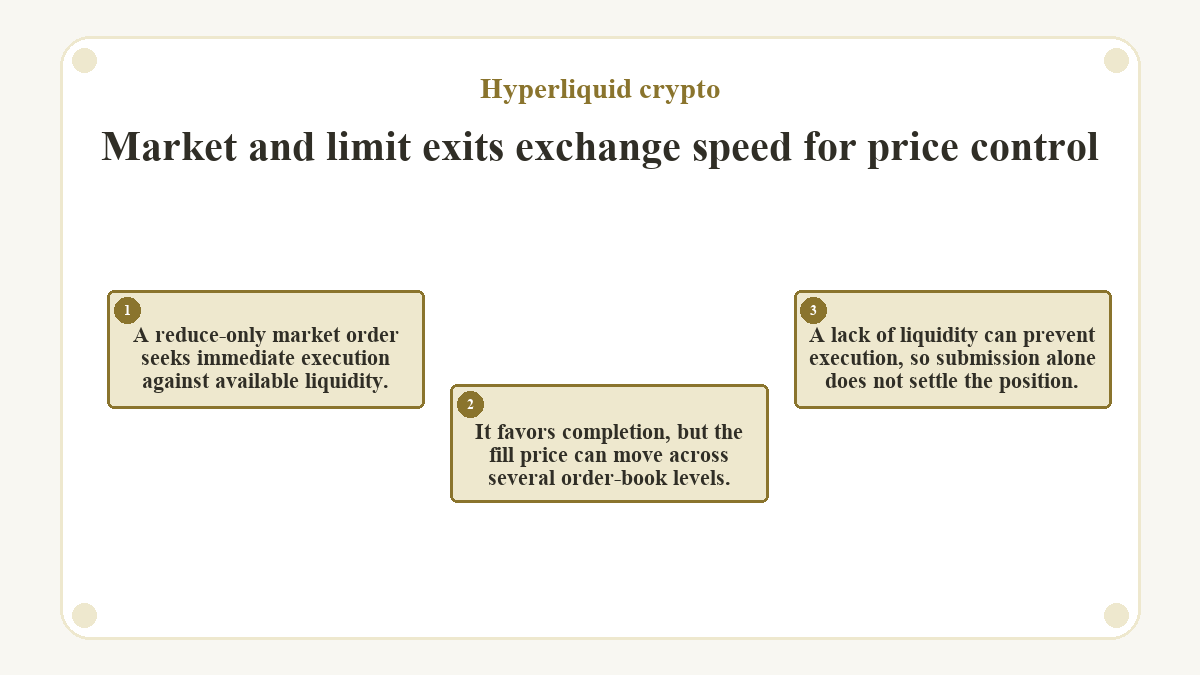
A reduce-only market order seeks immediate execution against available liquidity. It favors completion, but the fill price can move across several order-book levels. A lack of liquidity can prevent execution, so submission alone does not settle the position.
A reduce-only limit order enforces a price boundary. It can fill immediately, fill in part or rest without a fill. Good Til Cancel keeps the unmatched quantity available until execution or cancellation. Immediate or Cancel removes any quantity that cannot match at once. The choice changes execution behavior, while the same fill and position checks confirm the outcome.
Order status and five fill fields trace one exit
Before exiting an existing perpetual position, confirm the correct account, current signed size and intended market. When immediate execution matters, a reduce-only market order seeks to close the selected amount. When a price boundary matters, a reduce-only limit order may leave an open remainder. Both choices must oppose the current position and stay within the reducible amount. Submission moves the task to status and fill records, while a refreshed position supplies final confirmation.
| Recorded field | Value to confirm |
|---|---|
| Order status |
filled confirms order completion; open indicates a live remainder, while canceled, rejected and more specific cancellation or rejection statuses show some or all of the requested quantity did not execute.
|
oid
|
The order identifier tying the status to every associated fill. |
sz
|
The base-asset quantity executed in that individual fill. |
px
|
The execution price for the fill, not the submitted limit or trigger price. |
fee
|
The total fill fee, including a builder fee when one is present. |
feeToken
|
The asset used to pay the recorded fill fee. |
A filled order status confirms completion of that instruction, not necessarily closure of the whole position. Compare the total fill size with the position before the exit, then read the current signed size. If the limit order remains open, either let the unmatched amount execute later or cancel it. Submit a newly sized replacement only after canceling the remainder.
Partial fills leave two separate tasks
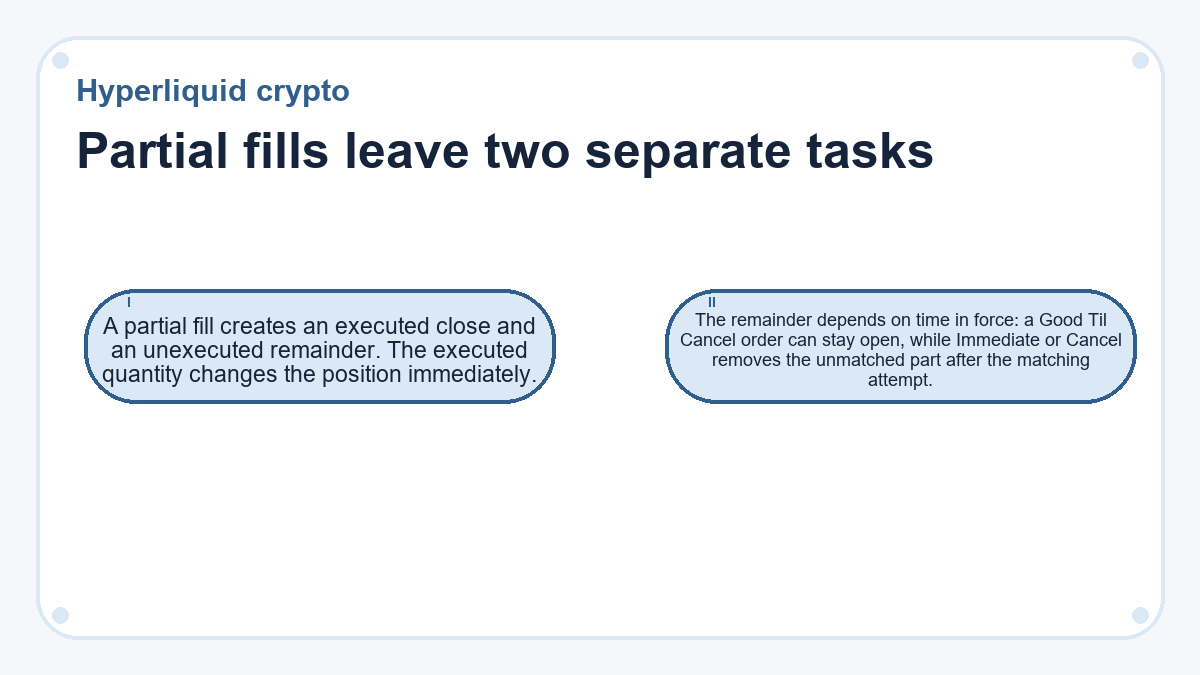
A partial fill creates an executed close and an unexecuted remainder. The executed quantity changes the position immediately. The remainder depends on time in force: a Good Til Cancel order can stay open, while Immediate or Cancel removes the unmatched part after the matching attempt.
Do not submit the original exit size again without checking state. First reconcile fills tied to the order identifier. Next inspect the current signed position and any remaining open order. If a resting remainder no longer matches the intended exit, cancel it before placing a replacement. The replacement size should come from the refreshed position, not subtraction performed against stale data.
Fees and realized PnL belong to the fill
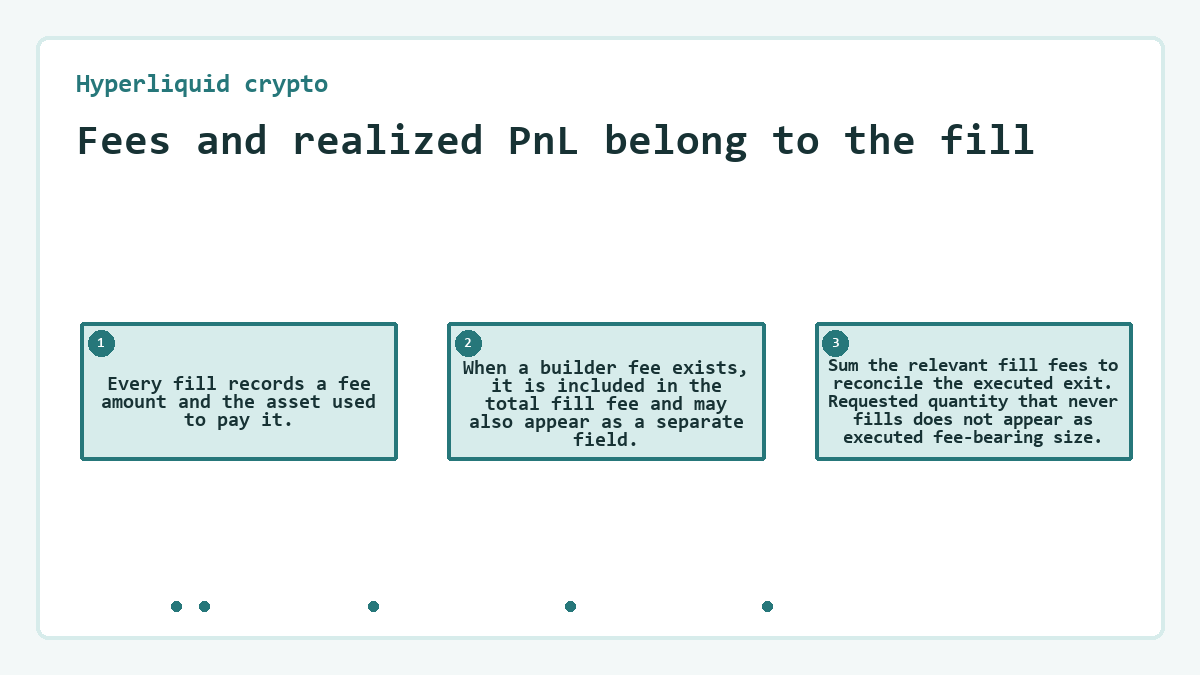
Every fill records a fee amount and the asset used to pay it. When a builder fee exists, it is included in the total fill fee and may also appear as a separate field. Sum the relevant fill fees to reconcile the executed exit. Requested quantity that never fills does not appear as executed fee-bearing size.
Closed PnL helps explain the realized effect of a closing fill, while unrealized PnL belongs to any position still open. Entry price, unrealized PnL and closed PnL are reporting components; margin and trades form the underlying account state. Funding appears separately from the trading fee and can change account equity during the holding period. An equity change alone does not identify the exit cost.
What proves the perpetual trade is fully closed?
The current account summary must show no nonzero signed size for the selected perpetual market. That is the account-level proof of closure. A fill proves only its own executed quantity, and a filled status proves only the submitted order completed. Either can coexist with a smaller position when the exit covered less than the total exposure.
Check the same account for a live exit remainder or a conditional order tied to the former position. Then reconcile the closing fills, their order identifier and their fees. If another event flattened the position, the zero balance remains real, but the selected exit order should not receive credit for fills it did not produce.
Rejected exits and stale account state need different responses
A rejected exit leaves no new fill from that instruction. A reduce-only rejection means the order would not reduce the position as evaluated at placement. The side may be wrong, the account may already be flat or another fill may have reduced the available size. An Immediate or Cancel response with no match also leaves the position unchanged.
An open limit order remains capable of filling. A limit TP/SL order can also rest without execution after the mark price activates it. In both cases, order status and fill records reveal whether exposure changed.
Empty or stale position data can also come from querying the wrong account context. Use the actual master or sub-account holding the trade rather than an agent wallet used only to authorize actions. Refresh that state, resolve any live or rejected instruction and only then calculate the next reduce-only size.
Common questions about Hyperliquid crypto
What address should an API query use for a sub-account position?
Use the actual address of the sub-account that owns the position. Querying an agent wallet can return an empty result because the agent authorizes actions but does not hold the account state. A master account and each sub-account have separate position data. Confirm the account context before comparing fills, open orders or signed position size.
Can an exit be reconciled with a client order ID?
Yes. The order-status query accepts the numeric order ID or a 16-byte hexadecimal client order ID. Use the same account address that placed the order. The returned status can show open, filled, canceled or a more specific rejection or cancellation reason. The client ID links the intended exit to the protocol-assigned order record, but fills still prove executed quantity.
When are several partial fills combined into one record?
Partial fills may be combined when time aggregation is enabled. A crossing order filled by several resting orders can be aggregated. A resting order filled by multiple crossing orders is aggregated only when those fills occur in the same block. Leave aggregation off when individual prices, fees or timestamps matter to the audit. In either form, compare total executed size with the remaining position.
Why can a limit TP/SL trigger without closing the position?
A limit TP/SL can trigger without filling because the mark price activates it, then its limit price governs matching. If market prices move beyond that boundary, the triggered order may rest on the book. Check its order status, fills and current position size. A trigger event confirms activation only; it does not prove any quantity was executed.
Does canceling a partially filled parent preserve its child TP/SL orders?
No. If the trader cancels a partially filled parent, its child TP/SL orders are also canceled. The partial position therefore needs a newly configured protective order if one is still intended. A different rule applies when the parent becomes partially filled and is then canceled for insufficient margin: the child orders are placed as if the parent had filled.
Updated on