 Hyperliquid crypto
 order tracking distinguishes an open order from a completed trade
Hyperliquid crypto order tracking separates submission, execution and account settlement. An order can rest, fill immediately, fill in part or end without execution. Start by recording the order identifier and requested size. Then compare the current status with fill records and the resulting spot balance or perpetual position. An open state proves placement, not completion. A fill proves executed quantity, while a cancellation stops only the quantity still available to trade. If progress is incomplete, cancel or modify the remainder before retrying. The first order is finished when no unintended remainder is open and the account state agrees with the fills. This sequence keeps the first market action bounded and gives every retry a clear reason.
Account readiness and the first proof of acceptance
Before submission, confirm the selected market, side, size, price instruction and account context. Price and size must meet the market’s live tick size, lot size and minimum order value. A spot order also needs enough spendable balance, while a perpetual order must pass its margin checks. Save the requested size and the returned order identifier. A resting response confirms the order entered the book. A filled response confirms immediate execution. An order-level error means there is no live instruction to adjust. If placement returns an error, correct its stated cause before submitting another order.
Which order state confirms progress?
Use open to confirm placement, filled to confirm execution and the specific cancellation or rejection state to explain why progress stopped. The state should be read beside the order’s size fields and fill history.
The order-status query uses open for an order placed successfully.
It does not say any quantity has traded. A resting order can remain open at its limit price, or it can become partly filled while its unmatched quantity remains available.
Placement response
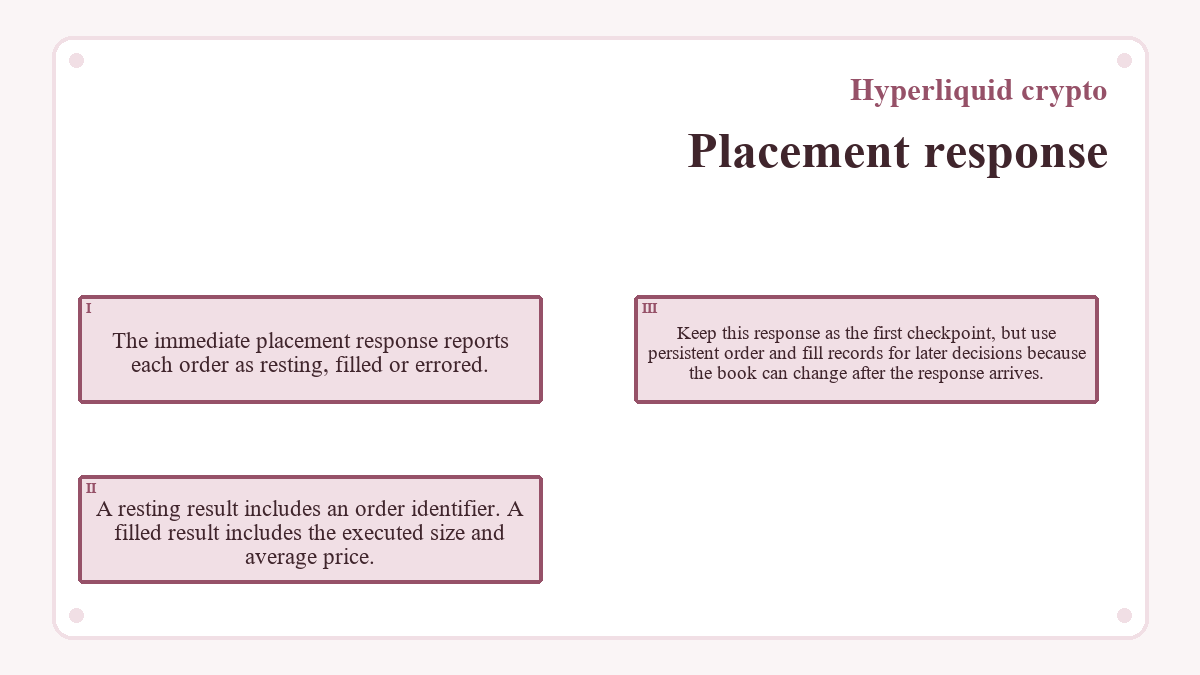
The immediate placement response reports each order as resting, filled or errored. A resting result includes an order identifier. A filled result includes the executed size and average price. Keep this response as the first checkpoint, but use persistent order and fill records for later decisions because the book can change after the response arrives.
Order, fill and status records
The following fields answer different parts of the same question. None should be treated as a substitute for the others.
| Signal | Documented value | Supported record scope |
|---|---|---|
| Status |
open: placed successfully
|
Order-status and historical-order records |
| Status |
filled: filled
|
Order-status and historical-order records |
| Status |
canceled: canceled by the user
|
Order-status and historical-order records |
| Order identifier |
oid
|
Placement responses, open orders, fills and status queries |
| Original size |
origSz
|
Frontend open-order and historical-order records |
| Open size |
sz
|
Open-order records for the unmatched quantity |
| Immediate fill |
totalSz and avgPx
|
Filled placement responses |
| Completion test | Final state plus fill evidence | Reconcile the spot balance or perpetual position |
Historical records also carry a status timestamp, while fill records identify executed price, size, direction and order identifier. If the open list and history appear to disagree, query the same account and order identifier. A master account, sub-account and agent wallet are not interchangeable account contexts.
Partial fills leave executed quantity and an open remainder
A partial fill changes the account immediately while leaving unmatched quantity governed by the original order. Tracking both portions prevents a cancellation from being mistaken for a reversal of the completed trade.
Executed quantity
Each fill is an execution record. Its size and price belong to the order identifier, and its effect already appears in the relevant balance or position. Several fills can belong to one order when liquidity arrives in pieces. Add the executed sizes from every fill with that order identifier before deciding how much exposure remains.
Unfilled remainder
Compare the original size with the size still open. For a Good Til Cancel limit order, an unmatched remainder can continue resting until it fills or is canceled. For an Immediate or Cancel order, the unmatched portion is canceled rather than left on the book. In either case, cancellation does not erase fills already recorded. The next action must therefore use the remaining intent, not the size originally submitted.
Cancel or modify only what remains
You can cancel the open remainder or replace the resting instruction. First confirm the order is still open. A completed, rejected or previously canceled order has no live remainder to edit.
Cancel the remainder
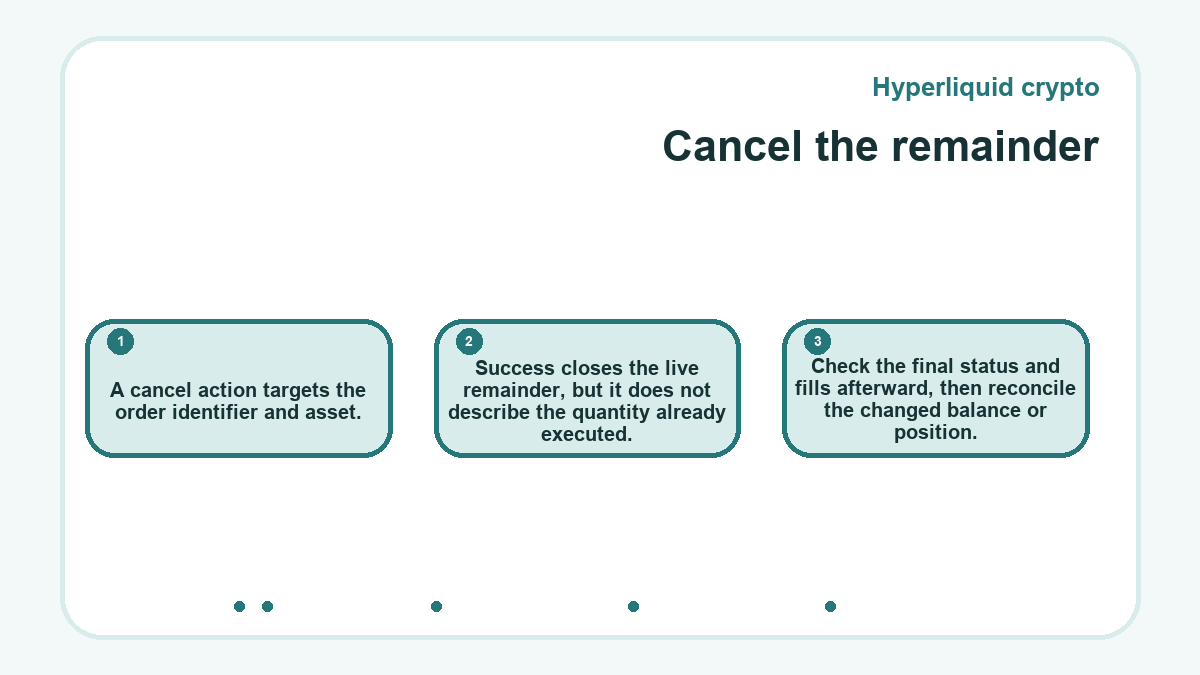
A cancel action targets the order identifier and asset. Success closes the live remainder, but it does not describe the quantity already executed. Check the final status and fills afterward, then reconcile the changed balance or position.
A cancel error can mean the order never existed, already filled or was already canceled. That message is a reason to inspect status, not a reason to submit the same market action again. The order may have crossed while the cancel request was in transit.
Replace the resting instruction
A modify action identifies the existing order and supplies a replacement instruction. The replacement still faces current price, size, balance and margin validation. It may rest, fill or return an error under those conditions. Record its response before making another change. If preserving reversibility matters, do not increase the requested exposure merely to force completion; resolve the existing order’s state first.
What proves the first order is finished?
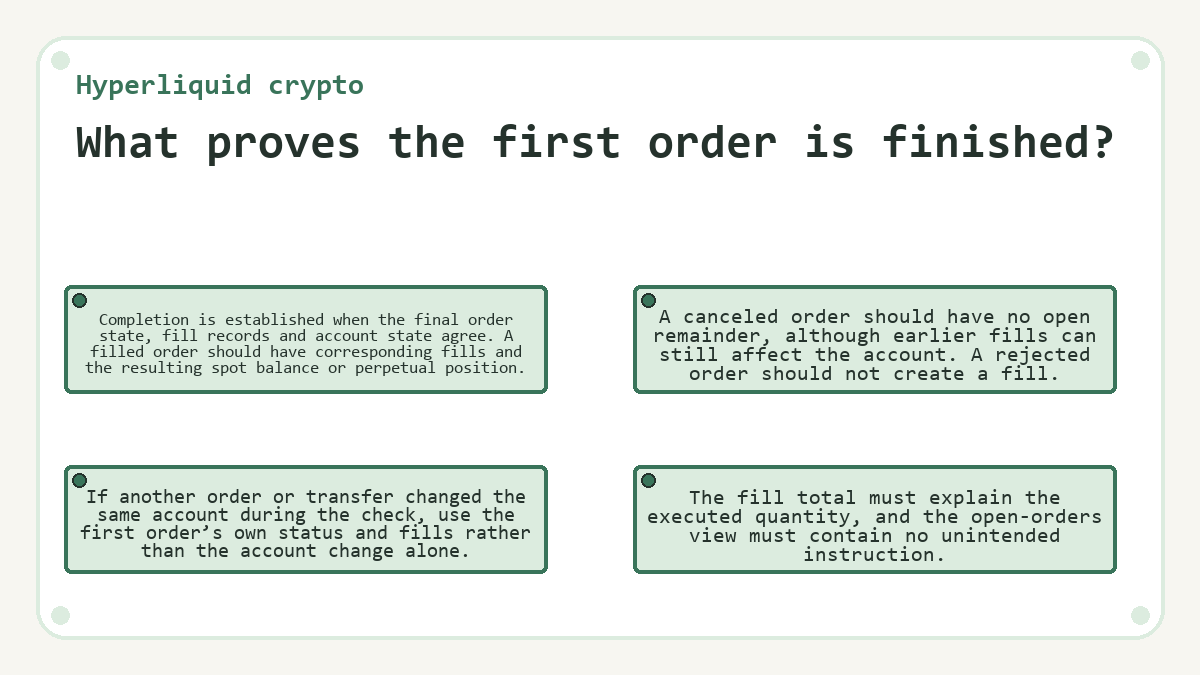
Completion is established when the final order state, fill records and account state agree. A filled order should have corresponding fills and the resulting spot balance or perpetual position. A canceled order should have no open remainder, although earlier fills can still affect the account. A rejected order should not create a fill. The fill total must explain the executed quantity, and the open-orders view must contain no unintended instruction. If another order or transfer changed the same account during the check, use the first order’s own status and fills rather than the account change alone.
Connection delays and bounded recovery
Network delay creates uncertainty between a signed request and accepted L1 action. Treat a timeout as unresolved until the order identifier, open-order list, status history and fills show whether anything was accepted.
Transaction delay protection rejects an action if the L1 does not accept it within 15 seconds. Disabling that protection can allow a delayed action to arrive after reconnection. Repeating the request during the gap can then create more than one order. Checking the account state before retrying keeps the failure bounded.
Other endings need different responses. A rejection means placement failed validation. A system cancellation can follow insufficient margin, liquidation, self-trade prevention or another documented condition after placement. Read the specific status, correct only its stated cause and keep any existing fills in the account calculation. A retry is appropriate only when the earlier instruction cannot continue and its executed quantity is already understood.
Hyperliquid crypto: frequently asked questions
How are several partial fills tied to one Hyperliquid order?
Match partial fills by their order identifier. The fill history can also aggregate fills when one crossing order matches several resting orders, while fills against one resting order are aggregated only when they occur in the same block. Keep the identifier as the primary link, then total the executed sizes before comparing them with the original order size.
Why can the open-orders view be empty after an order submission?
An empty open-orders view means no order is currently resting in the account context being queried. The instruction may have filled immediately, been rejected or ended through cancellation. It may also belong to a different master or sub-account. Check the placement response, order status and fill history before assuming the request never reached the book.
When does a client order ID make tracking easier?
A client order ID helps when the submitting application needs its own stable reference for a request. Hyperliquid accepts an optional 128-bit hexadecimal client order ID, and supported actions can query, cancel or modify an order through that value. The application should still retain the returned order ID and inspect the final status and fills.
Can a triggered order still lack a completed fill?
Yes. A triggered status shows the trigger condition activated; it is not itself a fill record. A triggered limit instruction can rest without execution, and an executable instruction can encounter insufficient liquidity or another rejection condition. Confirm the outcome in fill history and in the resulting position rather than treating activation as completion.
Which record shows the fee charged for an executed order?
The user fill record reports the fee and the token used to pay it for each execution. It also carries the executed price, size, direction and order identifier. When an order fills in several pieces, review all related fill records or the supported aggregated view before reconciling the total fee with the completed quantity.
What happens to attached TP/SL orders after a partially filled parent is canceled?
A manual cancellation of a partially filled parent order fully cancels its attached take-profit and stop-loss child orders. The executed portion still changes the position, so protection for that smaller position must be assessed separately. A parent canceled for insufficient margin is a documented exception: its child TP/SL orders are placed as though the parent had filled.
Why does an agent wallet address return no account orders?
Account-data queries require the actual master or sub-account address. An agent wallet signs authorized actions, but its address is not the trading account whose orders and positions should be queried. Use the exact account context involved in the order, especially when comparing open orders, fills and position changes after a cancellation or modification.
Updated on